

SQL DDL & Basics Practice Worksheets for Class XII (With Answer Keys)
Worksheet Set 1: Fundamentals & Table Creation
SQL Worksheet Set 1: Fundamentals & Database Creation
Class XII Computer Science / Informatics Practices
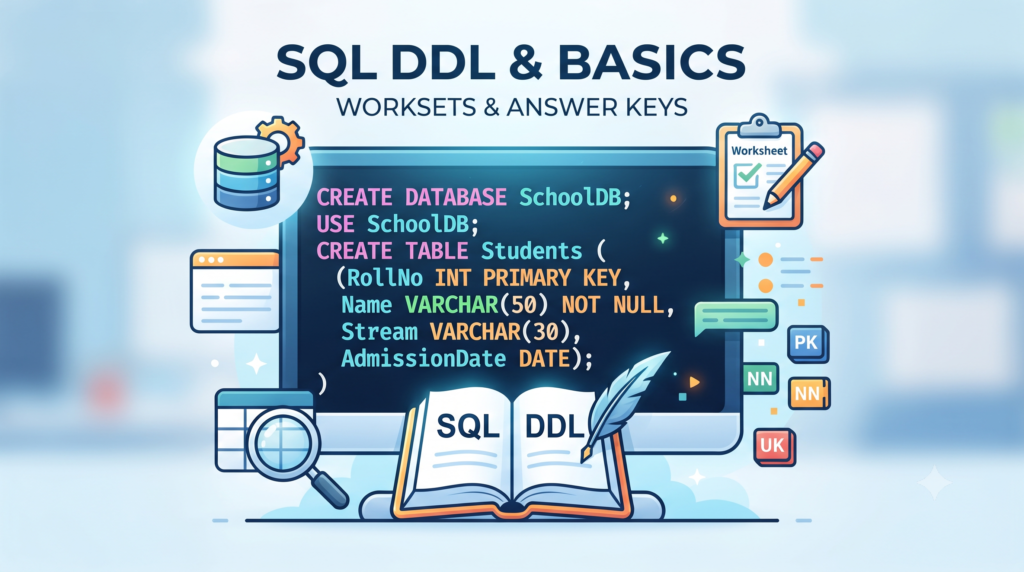
Q1. Write a command to create a database named SchoolDB and make it active for subsequent operations.
Q2. What is the difference between char(n) and varchar(n) data types? Give a brief storage example for a string of 4 characters in a size 10 column.
Q3. Write an SQL query to create a table named Student with: RollNo (int, Primary Key), Name (varchar(30), not null), Stream (varchar(20)), and AdmissionDate (date).
Q4. Write commands to display all available databases and view the tables inside the current database.
Q5. Write the command to view the structural details of an existing table named Employee.
Worksheet Set 2: Constraints, Alteration & Basic DML
SQL Worksheet Set 2: Constraints & Structure Alteration
Class XII Computer Science / Informatics Practices
Q1. Differentiate between PRIMARY KEY and UNIQUE constraints regarding NULL values.
Q2. For an existing table Library (BookID int, Title varchar, Price float), write queries to:
a) Add a column Author of type varchar(25).
b) Add a primary key constraint on BookID.
Q3. Using the Library table, write queries to:
a) Remove the Price column.
b) Remove the primary key constraint.
Q4. Write an INSERT query to add a record: BookID=101, Title=’Database Systems’, Price=450.50, Author=’Navathe’.
Q5. Write a DELETE query to remove all records from Library where the price is less than 200.
Worksheet Set 3: Comprehensive Practice & Cleanup
SQL Worksheet Set 3: Comprehensive Workflows & Cleanup
Class XII Computer Science / Informatics Practices
Q1. Write a complete sequence of SQL statements to:
1. Create a database called StoreDB and select it.
2. Create a table Product with columns ProdID (int, primary key), ProdName (varchar(40), not null), and UnitCost (float).
3. Insert two records into the table.
4. Delete the record where ProdID = 2.
5. Permanently delete the Product table and the StoreDB database.
Q2. Explain the fundamental operational impact of executing DROP TABLE Product; versus DELETE FROM Product;.
Worksheet Set 4: Advanced Constraints & Table Alteration
Worksheet Set 4: Advanced Constraints & Multi-row Operations
Focus: Advanced table structures, multi-column constraints, and multi-row insertions.
Q1. Write an SQL query to create a table named Account with the following specifications:
• AccNo: integer, Primary Key
• HolderName: character string of max length 30, cannot be null
• Balance: float
• Email: character string of max length 50, must be unique
Q2. Write an ALTER TABLE command to add a new column named Phone of type varchar(15) to the existing Account table.
Q3. What happens when you attempt to insert a record into the Account table where the HolderName is left blank or assigned a NULL value?
Q4. Write a single INSERT statement to add two separate records into the Account table.
Q5. Write a command to completely remove the Phone column from the Account table structure.
Worksheet Set 5: Scenario-Based End-to-End Practice
Worksheet Set 5: Scenario-Based End-to-End Project Workflow
Focus: Real-world workflow spanning database creation, table design, data manipulation, and cleanup.
Q1. Write an SQL script to create a database named HospitalDB and make it the active database.
Q2. Inside HospitalDB, create a table named Doctor with the following schema:
• DocID: integer (Primary Key)
• DocName: varchar(40) (Cannot be null)
• Department: varchar(25)
• ConsultationFee: float
Q3. Write a query to add an ExperienceYears column of integer type to the Doctor table.
Q4. Write a query to delete all records from the Doctor table where the consultation fee is less than 500.
Q5. Write commands to safely tear down your workspace: first delete the Doctor table, and then completely drop the HospitalDB database.
By Anjeev Kr Singh – Computer Science Educator
Published on : September 18, 2026 | Updated on : September 18, 2026
About the Author