My CS Tutorial

info.mycstutorial@gmail.com | +91 82 21 90 90 45

Information Technology

Class 10 Information Technology 402 Chapter wise Question Bank with Notes
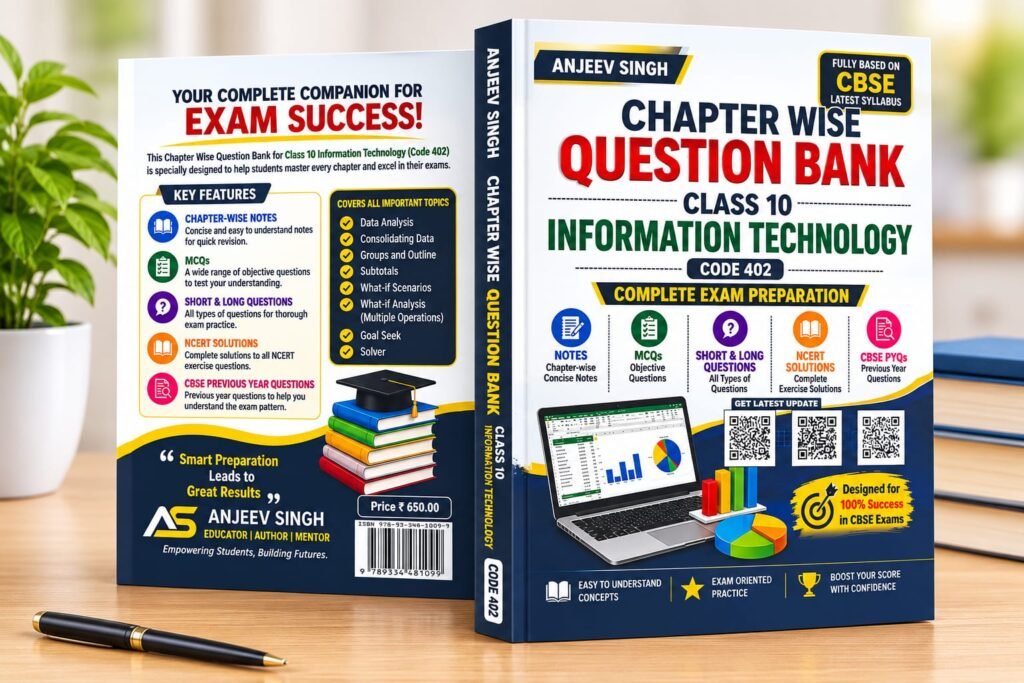
Class 10 Information Technology Code 402 Chapter Wise Question Bank with Notes by Anjeev Kumar Singh

CBSE Class 10 Information Technology (Code 402) Chapter-Wise Question Bank with Notes Scoring high in CBSE Class 10 Information Technology (Code 402) becomes much easier when you have structured study material that balances conceptual clarity with thorough exam practice. To help students prepare smartly and effectively for their board examinations, here is the Anjeev Singh

Class 10 Information Technology 402 Chapter wise Question Bank with Notes Read More »
CBSE Class 12 IT 802 Sample Paper Set 4 (2026-27) with Marking Scheme

CBSE Class 12 IT 802 Sample Paper Set 4 (2026-27) with Marking Scheme SAMPLE PRACTICE QUESTION PAPER (SET – 4)CLASS XII — SESSION 2026–2027INFORMATION TECHNOLOGY (SUBJECT CODE – 802) Time Allowed: 3 Hours Maximum Marks: 60 General Instructions: 1. Please read the instructions carefully. 2. This Question Paper consists of 24 questions in two sections

CBSE Class 12 IT 802 Sample Paper Set 4 (2026-27) with Marking Scheme Read More »

CBSE Class 12 IT 802 Sample Paper Set 3 (2026-27) with Marking Scheme

CBSE Class 12 IT 802 Sample Paper Set 3 (2026-27) with Marking Scheme SAMPLE PRACTICE QUESTION PAPER (SET – 3)CLASS XII — SESSION 2026–2027INFORMATION TECHNOLOGY (SUBJECT CODE – 802) Time Allowed: 3 Hours Maximum Marks: 60 General Instructions: 1. Please read the instructions carefully. 2. This Question Paper consists of 24 questions in two sections

CBSE Class 12 IT 802 Sample Paper Set 3 (2026-27) with Marking Scheme Read More »

CBSE Class 12 IT 802 Sample Paper Set 2 (2026-27) with Marking Scheme

CBSE Class 12 IT 802 Sample Paper Set 2 (2026-27) with Marking Scheme SAMPLE PRACTICE QUESTION PAPER (SET – 2)CLASS XII — SESSION 2026–2027INFORMATION TECHNOLOGY (SUBJECT CODE – 802) Time Allowed: 3 Hours Maximum Marks: 60 General Instructions: 1. Please read the instructions carefully. 2. This Question Paper consists of 24 questions in two sections

CBSE Class 12 IT 802 Sample Paper Set 2 (2026-27) with Marking Scheme Read More »

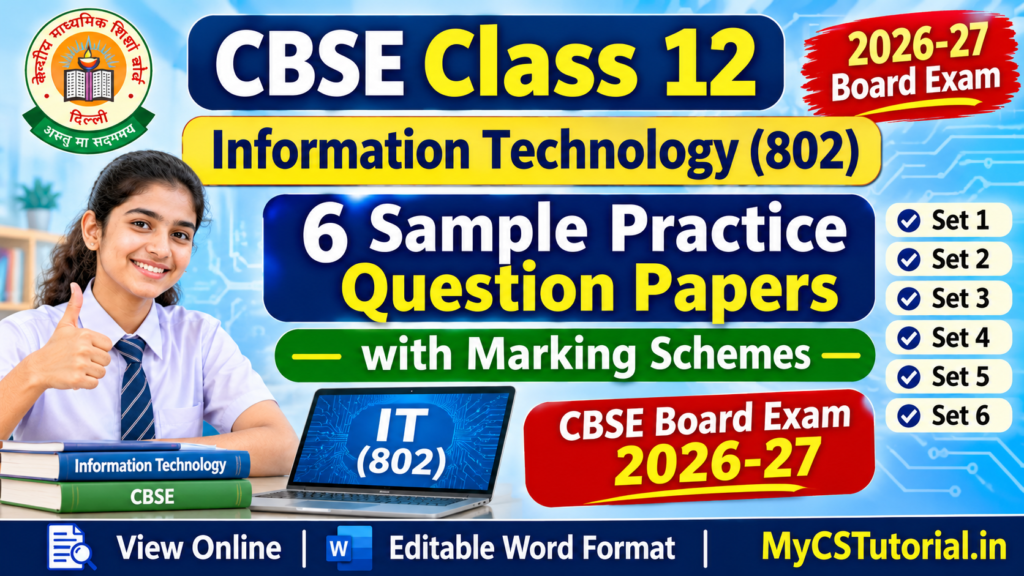
CBSE Class 12 Information Technology (802) Sample Practice Question Papers 2026-27 – 6 Sets with Marking Schemes

CBSE Class 12 Information Technology (802) – 6 Sample Practice Papers with Marking Schemes

CBSE Class 12 Information Technology (802) Sample Practice Question Papers 2026-27 – 6 Sets with Marking Schemes Are you preparing for the CBSE Class 12 Information Technology (Code 802) Board Examination 2026-27? To help students prepare effectively for their upcoming board examination, MyCS Tutorial brings you 6 Sets of CBSE Class 12 Information Technology (802)

CBSE Class 12 Information Technology (802) Sample Practice Question Papers 2026-27 – 6 Sets with Marking Schemes Read More »

Class 10 IT Code 402 Chapter 3: Advanced Features of LibreOffice Writer (Table of Contents, Templates and Track Changes)– Complete Notes

Table of Contents, Templates, Track Changes, Comments and Comparing and Merging Documents.

Advanced Features of LibreOffice Writer – Table of Contents, Templates, and Track Changes Class 10 Information Technology (402) – Notes LibreOffice Writer is a powerful word processor that provides several advanced features for creating, editing, reviewing and managing professional documents. In this chapter, we will learn about some important advanced features of LibreOffice Writer, including

Class 10 IT Code 402 Chapter 3: Advanced Features of LibreOffice Writer (Table of Contents, Templates and Track Changes)– Complete Notes Read More »

Class 10 IT Code 402 Chapter 2: Working with Images – Complete Notes (LibreOffice Writer)

Working with Images in LibreOffice Writer – Complete Guide

Working with Images in LibreOffice Writer Class 10 Information Technology (402) – Notes Working with images is an important part of document creation in LibreOffice Writer. Images can be inserted, resized, cropped, rotated, formatted and positioned with text to create attractive and professional documents. In this guide, we will learn how to work with images

Class 10 IT Code 402 Chapter 2: Working with Images – Complete Notes (LibreOffice Writer) Read More »

Class 10 IT Code 402 Chapter 1: Introduction to Styles – Complete Notes (LibreOffice Writer)

Chapter 1: Introduction to Styles Class 10 Information Technology (402) – Notes 1. Introduction to Styles A style is a collection of all formatting information that you want to save and then apply to a document. For example, the following font details can be stored as a style with the name “Title style”: Formatting Property

Class 10 IT Code 402 Chapter 1: Introduction to Styles – Complete Notes (LibreOffice Writer) Read More »

Session 2 Components of Computer XI IT 402 Book Solution

Unit 1 Computer Organization Session 2 Components of Computer Self Assessement Exercise 1. Explain storage devices of a computer. Answer: Storage devices are core hardware components used to store data, instructions, and programs either temporarily or permanently. They enable the computer to hold the operating system and running programs in immediate memory (such as RAM),

Session 2 Components of Computer XI IT 402 Book Solution Read More »

CBSE Class 10 Information Technology Code 402 – Complete Study Material Download

CBSE Class 10 Information Technology Code 402 – Complete Study Material Download

📚 CBSE Class 10 Information Technology (Code 402) – Complete Study Material Download Welcome to the Complete Study Material for CBSE Class 10 Information Technology (Code 402) for the current academic session 2026–27. This page provides chapter-wise and unit-wise study resources based on the CBSE Information Technology (402) curriculum. Students can access Notes, Chapter Book/Study

CBSE Class 10 Information Technology Code 402 – Complete Study Material Download Read More »

Session 1 Fundamentals of Computer XI IT 802 Book Solution

Computer organization session 1 computer fundamentals

Session 1 Fundamentals of Computer XI IT 802 Book Solution Unit 1 – Computer Organisation Session 1 Fundamentals of Computer Self Assessment Exercises 1. Define the following :a. Computer b. Input Devicec. Output Device d. Processor Answer: 2. Expand the following :a. ALU b. CPU c. CU d. RAMe. EEPROM f. ROM g. DRAM h.

Session 1 Fundamentals of Computer XI IT 802 Book Solution Read More »

Chapter 15 Prevent Accidents and Emergencies IT Code 402 Book Solution Class 10

Prevent Accidents and Emergencies

Chapter 15 Prevent Accidents and Emergencies IT Code 402 Book Solution Class 10 Unit 4. Maintain Healthy, Safe and Secure Working Environment A. Multiple-choice questions. Question 1: What are the steps necessary for operating a fire extinguisher? (a) Identify the safety pin of the fire extinguisher which is generally present in its handle(b) Break the

Chapter 15 Prevent Accidents and Emergencies IT Code 402 Book Solution Class 10 Read More »

Chapter 14 Workplace Quality Measures IT Code 402 NCERT Solution

Chapter 14 Workplace Quality Measures

Chapter 14 Workplace Quality Measures IT Code 402 NCERT Solution Unit 4: Maintain Healthy, Safe, and Secure Working Environment A. Multiple-choice questions. Question 1: To provide healthy and safety working environment, every organisation must have ______. (a) Cleanliness(b) Filtered water(c) Clean wash-room(d) All of the above Answer: (d) All of the above Question 2: Air

Chapter 14 Workplace Quality Measures IT Code 402 NCERT Solution Read More »

Chapter 13 Health Safety and Security at Workplace IT Code 402 Book Solution Class 10

maintain healthy safe and secure working environment class 10 solutions

Chapter 13 Health Safety and Security at Workplace IT Code 402 Book Solution Class 10 Unit 4: Maintain Healthy, Safe, and Secure Working Environment A. Multiple-choice questions. Question 1: Workplace safety is essential in organisation _________. (a) to avoide the accident and injury(b) to increase the productivity(b) to improve the work environment(d) All of the

Chapter 13 Health Safety and Security at Workplace IT Code 402 Book Solution Class 10 Read More »

Chapter 12 Forms and Reports IT Code 402 Book Solution Class 10

Ch 12 Forms and Reports IT 402 NCERT Solution

Chapter 12 Forms and Reports Tables IT Code 402 Book Solution Class 10 Unit 3. Database Management System using LibreOffice Base A. Multiple-choice questions. Question 1:Which of the following toolbars contains the Label tool?(a) Standard Toolbar(b) Forms Controls Toolbar(c) Records toolbar(d) Formatting toolbar Answer: (b) Question 2:The Record toolbar has the buttons to move to

Chapter 12 Forms and Reports IT Code 402 Book Solution Class 10 Read More »

Chapter 11 Queries in Base IT Code 402 Book Solution Class 10

Ch 11 Queries in Base IT 402 NCERT Solution

Chapter 11 Queries in Base IT Code 402 Book Solution Class 10 Unit 3. Database Management System using LibreOffice Base A. Multiple-choice questions. Question 1:Which of the following is refer to asking questions from the database?(a) Report(b) Table(c) Query(d) Database Answer: (c) Question 2:Which of the following are the ways to design a query?(a) Wizard(b)

Chapter 11 Queries in Base IT Code 402 Book Solution Class 10 Read More »

Chapter 10 Working with Multiple Tables IT Code 402 Book Solution Class 10

Working with Multiple Tables IT 402

Chapter 10 Working with Multiple Tables IT Code 402 Book Solution Class 10 Unit 3. Database Management System using LibreOffice Base A. Multiple-choice questions. Question 1:Which of the following actions can be performed once the tables are created in a database?(a) Add a field in a table(b) Rename a table(c) Delete a table(d) All of

Chapter 10 Working with Multiple Tables IT Code 402 Book Solution Class 10 Read More »

Chapter 10 Working With Multiple Tables IT Code 402 Book Solution

Chapter 10 Working With Multiple Tables Unit 3. Database Management System using LibreOffice Base A. Multiple-choice questions. Question 1:Which of the following actions can be performed once the tables are created in a database? (a) Add a field in a table (b) Rename a table (c) Delete a table (d) All of the above Answer:

Chapter 10 Working With Multiple Tables IT Code 402 Book Solution Read More »

Chapter 9 Starting with LibreOffice Base IT Code 402 Class 10 Book Solution

Chapter 9 Starting with LibreOffice Base

Chapter 9 Starting with LibreOffice Base IT 402 Class 10 Book Solution Unit 3. Database Management System using LibreOffice Base A. Multiple-choice questions. Question 1:Which of the following is NOT a type of text data type?(a) Memo(b) Varchar(c) Float(d) Char Answer: (c) Float Question 2:A currency data type can only store monetary data that is

Chapter 9 Starting with LibreOffice Base IT Code 402 Class 10 Book Solution Read More »

You cannot copy content of this page

Scroll to Top